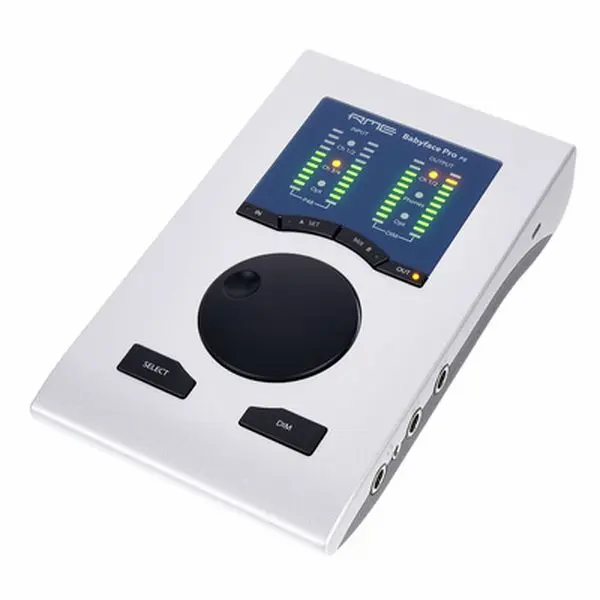
Choosing the right audio interface is the most important decision for your home studio. The interface is the bridge between your microphones, instruments, and computer — every single recording passes through it.
First, count your inputs. If you're a solo singer-songwriter recording one track at a time, 2 inputs is plenty. If you record vocals and guitar simultaneously, or plan to record stereo sources, look for 4 or more inputs. For podcasters and streamers, 2 inputs with loopback functionality is ideal.
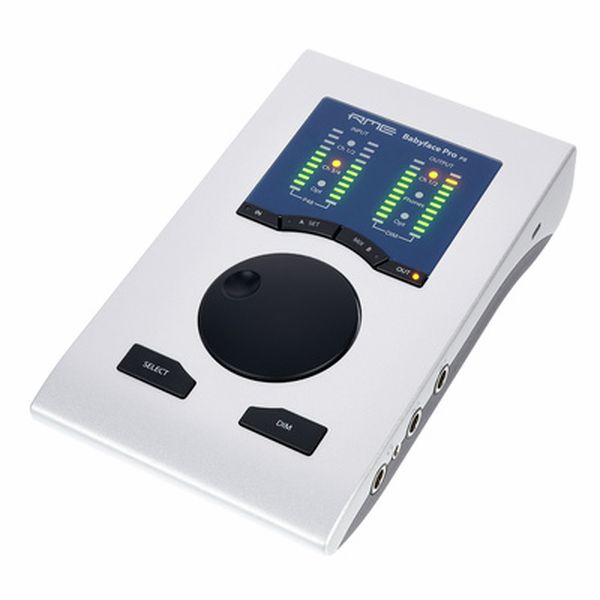
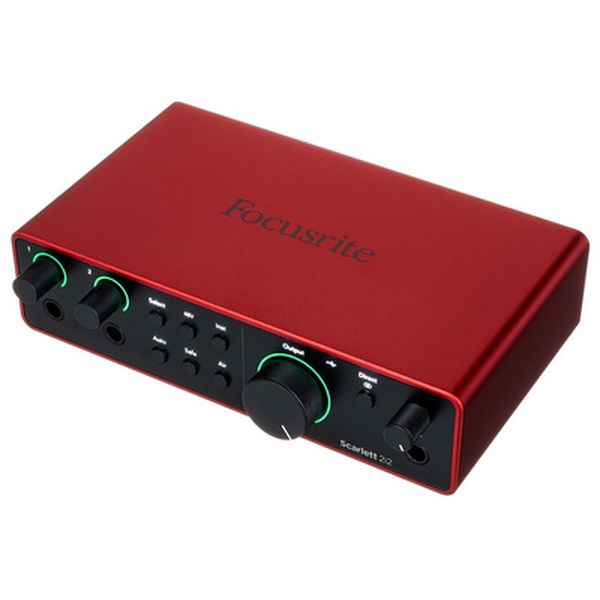
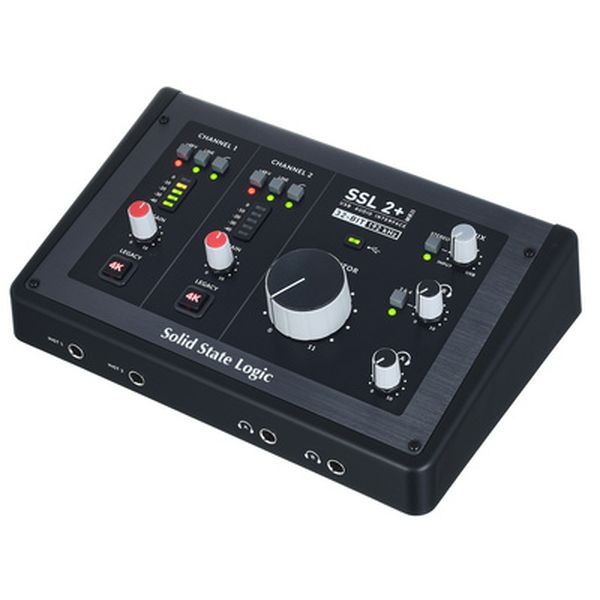
Preamps matter more than specs. A great preamp adds clarity and headroom; a poor one adds noise and muddiness. Focusrite's Air mode, SSL's 4K legacy EQ, and UA's Unison technology each bring different flavours. If you want clean and transparent, RME and MOTU are top choices. If you want character, SSL or UA will give your recordings instant vibe.
Connectivity determines your workflow. USB-C is the standard for modern interfaces — it's fast, reliable, and works with everything. Thunderbolt offers lower latency for large track counts but costs more. If you're on a laptop and travel, bus-powered interfaces save you from carrying an extra power supply.
Don't overlook driver quality. A great interface with bad drivers is unusable. RME is legendary for rock-solid drivers with ultra-low latency. Focusrite and MOTU are also excellent. Check that your interface has ASIO support on Windows or class-compliant mode on iPad.
Budget wisely. The sweet spot for home studios is $200-500. Below $200 you get basic functionality; above $500 you enter pro-sumer territory with better converters and build quality. My rule: spend more on your interface than your microphone — a great signal chain starts with a clean input.