Cuban Tres, Bass & Guitar - played and recorded with my personal gear
Guides My Setup About Me

How to Fix Clipping on Focusrite Scarlett 2i2 (Complete Guide)

How to Fix Clipping on Focusrite Scarlett 2i2 (Complete Guide)

Clipping on a Focusrite Scarlett 2i2 is almost always a gain staging issue, not a hardware defect. The interface has clean preamps for its price range, but every preamp has a ceiling. The solution is understanding where that ceiling is and working within it.

What Clipping Is and Why It Happens on the Scarlett 2i2

Digital clipping occurs when the audio signal exceeds the maximum level the converter can handle. The waveform flattens at the peaks and information is lost. That harsh sound cannot be removed later — no plugin can reconstruct the lost transients.

The Scarlett 2i2 uses a halo ring as its indicator: green means a clean signal, yellow means you're approaching the limit, red means clipping is happening. The most common mistake is thinking the meter needs to hit the top to get a good signal. At 24-bit recording, you have roughly 144 dB of dynamic range. You don't need to get anywhere near 0 dB for good quality.

The goal is to keep peaks between -6 dB and -3 dB. That leaves enough headroom to avoid clipping while preserving full format resolution. If the ring turns red on the loudest moments, the gain is too high. For more on choosing an interface, see our best audio interface guide.
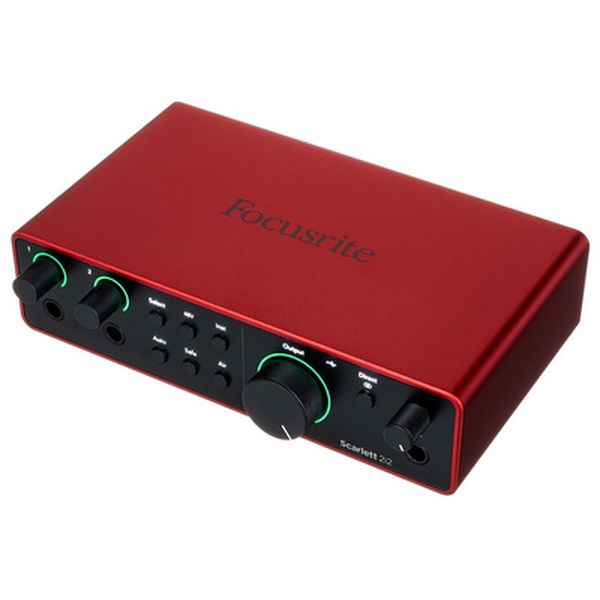
Focusrite Scarlett 2i2 4th Gen

How to Adjust Gain on the Scarlett 2i2 Step by Step

Setting gain correctly on the Scarlett 2i2 is a straightforward process that removes the guesswork:

1. Turn the gain knob to zero. Rotate it all the way to the left.

2. Ask the musician to play or sing at the loudest volume in the piece. Not the average level — the absolute peak: the hardest drum hit, the most intense guitar chord, the highest vocal note.

3. Slowly raise the gain while watching the halo ring. Stop the moment the ring starts showing yellow on the peaks. That means you're around -6 dB to -3 dB, which is the optimal range.

4. Leave a safety margin of roughly 2 dB. If you see the ring touch red at any point, reduce the gain a bit more until the peaks only reach yellow.

This method works for any source: vocals, guitar, drums, synth. The principle is always the same: aim for yellow on the peaks, never red.

One important consideration: if you're using a low-output dynamic mic like the Shure SM7B, you'll need more gain than with a condenser. The Scarlett 2i2 offers 56 dB of gain, which can fall short for the SM7B without adding preamp noise. In that case, a Cloudlifter CL-1 or FetHead adds 20-25 dB of clean gain before the signal reaches the interface.

Focusrite Scarlett 2i2 4th GenShure SM57Shure SM7B

Air Mode: How to Use It Without Messing Up Your Levels

The Scarlett 2i2's Air mode applies a high-frequency boost (around 4-8 kHz) that can add more presence and brightness to the signal. It's useful on vocals and some acoustic instruments. But it has a side effect: it adds roughly 2-3 dB of gain to the signal.

If you set your gain with Air mode off and then engage it, the level will jump by those 2-3 dB. If you were already close to yellow, you'll probably hit red. The solution is simple: set your gain without Air, engage Air mode, then reduce the gain slightly to compensate for the boost.

Air mode isn't always the best choice. For naturally bright voices, acoustic guitars with lots of treble, or tambourines, the boost can sound aggressive. In those cases, it's better to leave it off and add presence in the mix if needed. You can't undo digital clipping, but you can always add brightness later.

Focusrite Scarlett 2i2 4th Gen

What to Do If You Already Recorded with Clipping

If the audio is already clipped, it can't be fully recovered. The waveform peaks are gone and no process can recreate them exactly. However, the degree of damage determines whether the take can be saved or not.

Mild clipping: the halo ring flashed red occasionally but not sustained. Lower the track's clip gain by 3-6 dB in your DAW so the waveform returns to a normal range. Then apply a compressor with a gentle ratio (2:1) to smooth out the dynamics. In many cases, the take is usable.

Moderate clipping: the red was sustained but doesn't cover entire phrases. A declipper plugin like iZotope RX or Waves Clarity Vx can partially reconstruct the clipped waveforms. Results vary: sibilants and transients are usually the first things to sound artificial after processing.

Severe clipping: the waveform looks flat for whole bars at a time. There's no fix. The only option is to rerecord. It's frustrating, but it's better than spending hours trying to fix what can't be fixed.

Focusrite Scarlett 2i2 4th Gen

Common Mistakes When Using the Scarlett 2i2

Several mistakes show up frequently among Scarlett 2i2 users. Here are the most common ones:

Wrong input mode. The Scarlett has Inst, Line, and Mic modes. A guitar must be connected in Inst mode, which changes the impedance to match the pickup. If you connect it in Mic mode with high gain, clipping is almost guaranteed. Synthesizers and other line-level gear should go into the rear line inputs.

Recording too hot on purpose. With 24-bit resolution, recording with peaks at -6 dB is more than enough. There's no benefit to getting close to 0 dB. The extra headroom protects against unexpected peaks and doesn't affect quality.

Not using the pad for hot sources. For drums, heavily saturated guitar amps, or any high-volume source, hold down the Inst button for two seconds to engage the -10 dB pad. This reduces input sensitivity and prevents clipping before it reaches the preamp.

Phantom power with ribbon mics. Engaging +48V with a ribbon microphone can permanently destroy the element. Always verify whether your mic needs phantom power before turning it on.

Not monitoring levels during recording. A vocalist who sings softly during sound check may sing twice as loud during the actual take. Keep an eye on the halo ring while recording. If you see red, stop and adjust.

Focusrite Scarlett 2i2 4th Gen

When to Consider an Interface with More Headroom

The Scarlett 2i2 is a solid interface for most situations, but there are cases where its 56 dB of gain fall short. If you use low-output mics like the SM7B, Electro-Voice RE20, or ribbon microphones, you'll likely need a Cloudlifter or a different interface.

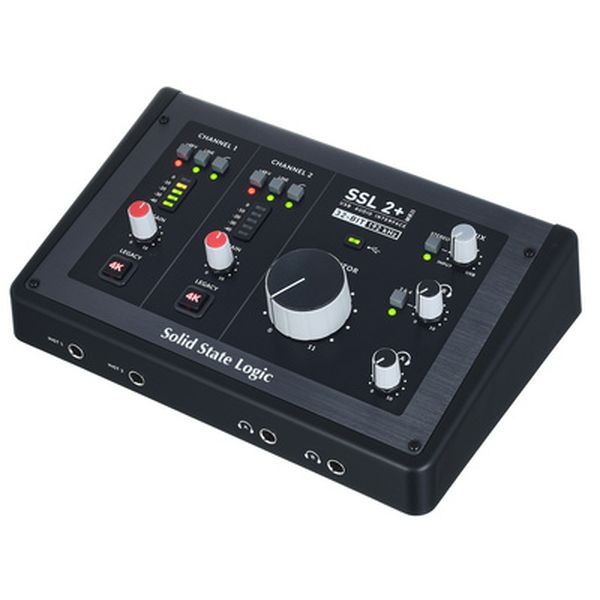
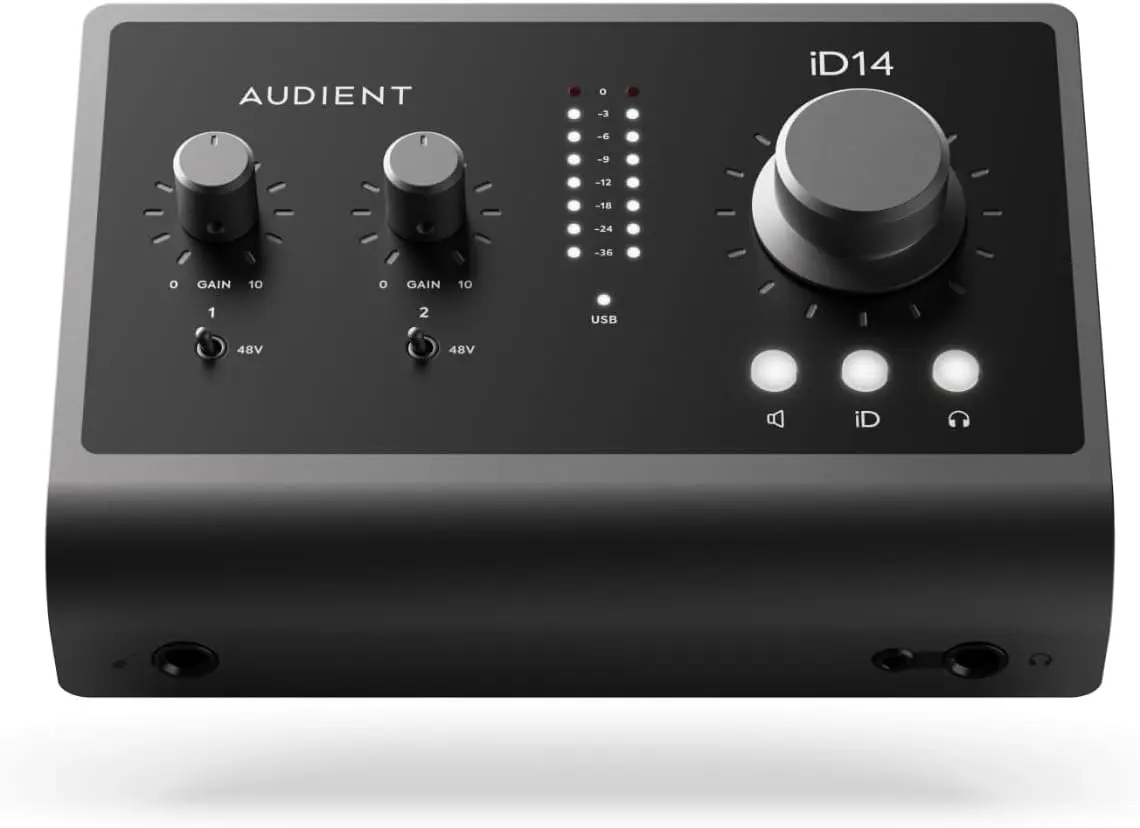
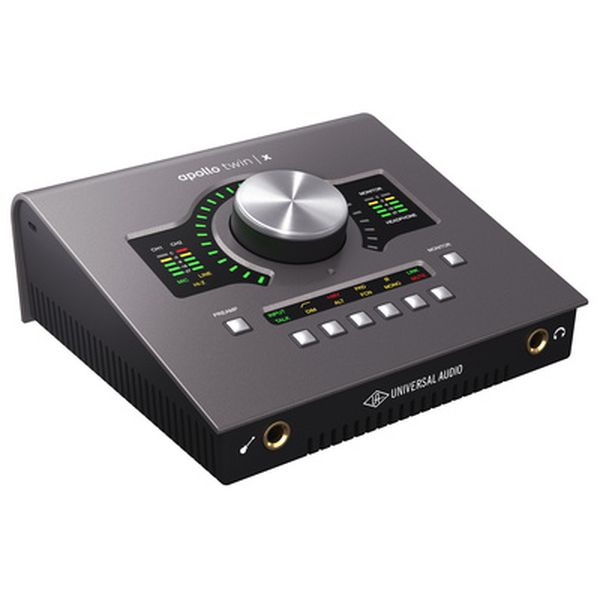
The SSL 2+ MKII offers the 4K Legacy switch, which adds a tonal character that can reduce the need for EQ. The Audient iD14 MkII delivers 58 dB of gain with Class A preamps that offer more clarity at higher settings. The Universal Audio Apollo Twin X is in another category: Unison preamps that emulate vintage hardware and DSP for near-zero-latency monitoring.

For most home studio users, the Scarlett 2i2 is sufficient. An upgrade is only justified when your microphone needs more gain than the Scarlett can deliver cleanly. See our best audio interface guide for upgrade options.

Focusrite Scarlett 2i2 4th GenSSL 2+ MKIIAudient iD14 MkIIUniversal Audio Apollo Twin X
Verdict Adjust gain first. Only upgrade your interface if your mic needs more clean gain than the Scarlett can provide.

Frequently Asked Questions

What Products Are in This Guide?

Focusrite Scarlett 2i2 4th Gen

Focusrite Scarlett 2i2 4th Gen

★★★★½ 34,567
$199 USD
The world's best-selling audio interface just got better. 120dB dynamic range, Air mode, and Loopback for streaming. Studio-grade conversion.
Shure SM57

Shure SM57

★★★★½ 45,210
$99 USD
The most recorded instrument microphone in history. Indestructible, affordable, and incredible on guitar cabs, snares, and horns. Every musician should own one.
Shure SM7B

Shure SM7B

★★★★½ 18,453
$399 USD
The industry-standard dynamic microphone for broadcast, podcasting, and vocal recording. Warm, smooth sound with excellent rejection.
SSL 2+ MKII

SSL 2+ MKII

★★★★½ 8,901
$299 USD
Solid State Logic in an interface. Legendary SSL 4K preamps, Legacy 4K analogue channel strip, and professional monitoring features. Updated MKII with 32-bit/192kHz converters.
Audient iD14 MkII

Audient iD14 MkII

★★★★½ 3,456
$299 USD
Console-grade preamps in a compact interface. The same Class-A mic pres found in Audient's $50,000 ASP8024 console. Dual headphone outputs and JFET DI input for instruments.
Universal Audio Apollo Twin X

Universal Audio Apollo Twin X

★★★★½ 5,678
$899 USD
Professional-grade Thunderbolt interface with UAD DSP processing. Real-time UAD plugins with near-zero latency. Unison preamps.
SoundBetter Fiverr
Cuban Tres, Bass & Guitar - played and recorded with my personal gear